Eleventy in a Box
A premium Eleventy starter kit for designers and developers who want to spend less time setting up the same project structure and more time designing distinctive websites.
There’s been a meta tag for specifying a theme-color for UI elements on websites for a while. If you’ve used it, now’s time to change that element along with the upcoming version of Safari.
The theme-color meta element specifies a CSS colour which browsers can use to customise their interfaces. For example, I specify our brand red for the Stuff & Nonsense website.
<meta name="theme-color" content="#a62339">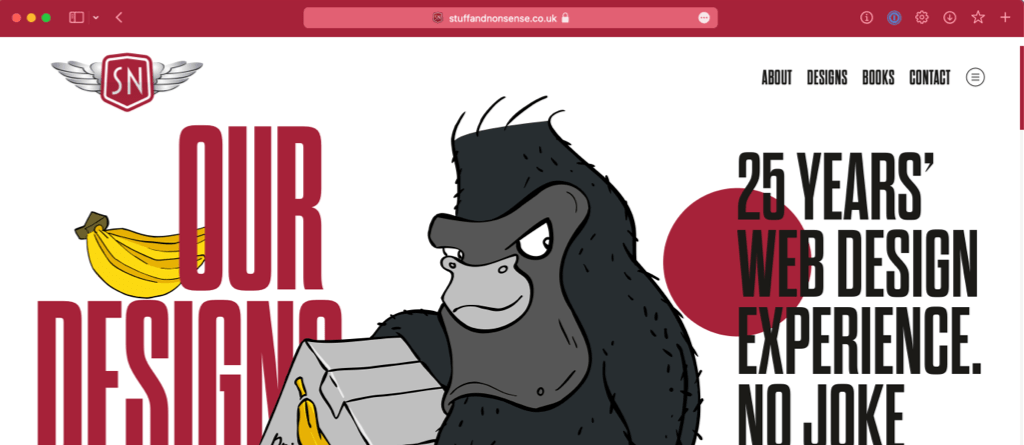
Until now, this meta tag hasn’t been very useful as it’s only been used by Chrome on sites which can be installed as progressive web apps. That’s changing with the new Safari 15—now available as a Technology Preview—which will ship with Monterey later this year.
Safari 15 uses theme-color to change the colour of its tab bar background and over-scroll area to make them blend better with a web page. Safari 15 on iOS also changes its status bar colour to match. This helps the toolbar to fade into the background, giving a more edge-to-edge experience.
In the past, Safari hasn’t allowed media attribute to specify theme-color meta tags for dark and light modes, but that’s changed with Safari 15. So I’ve updated my website’s meta tag with two colours:
<!-- Dark mode theme: blue -->
<meta name="theme-color"
media="(prefers-color-scheme: dark)"
content="#0e4359">
<!-- Light mode theme or no preference: red -->
<meta name="theme-color" content="#a62339">
This makes a big difference, because without these media attributes, the red toolbar feels more out of place with the dark mode blue page background than the system UI colour.
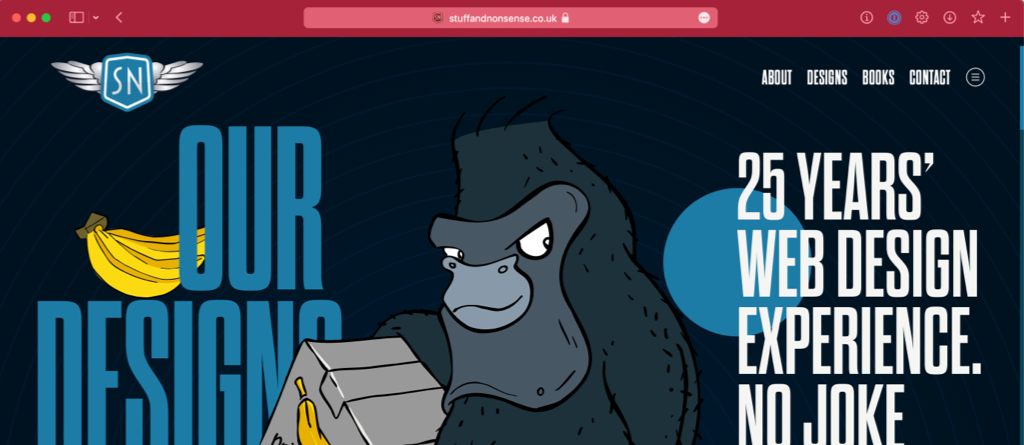
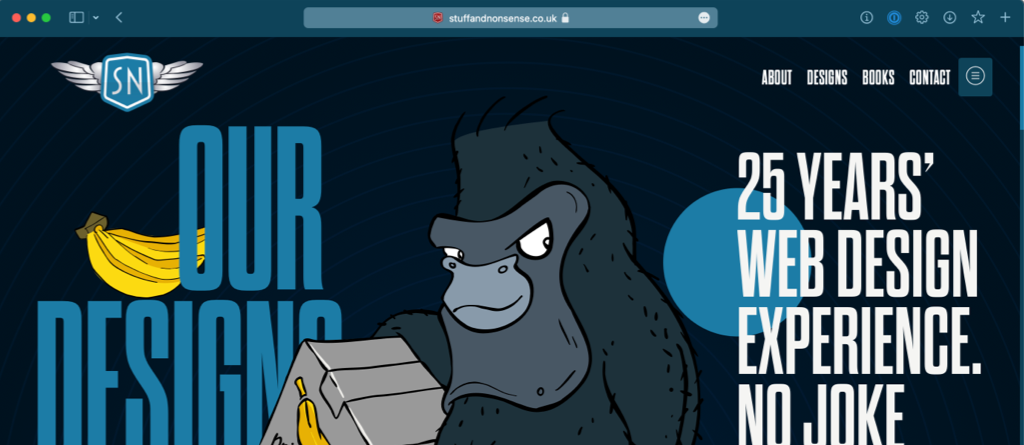
Safari users can turn off coloured toolbars with “Preferences > Advanced > Never Use Background color in toolbar” but I suspect most people will leave the default turned on. So, if you want to control what people see rather than have Safari choose a colour for them, now’s the time to update your theme-color meta tag for Safari.
A premium Eleventy starter kit for designers and developers who want to spend less time setting up the same project structure and more time designing distinctive websites.
Contract Killer is plain and simple and there’s no legal jargon. It’s customisable to suit your business and has been used on countless web projects since 2008.
Free compound grid and modular grid layout generators, plus a set of HTML/CSS layout templates you can call on to make more interesting layouts, available to buy.